Family Chatter Deserves a Private Room, Not a Public Feed
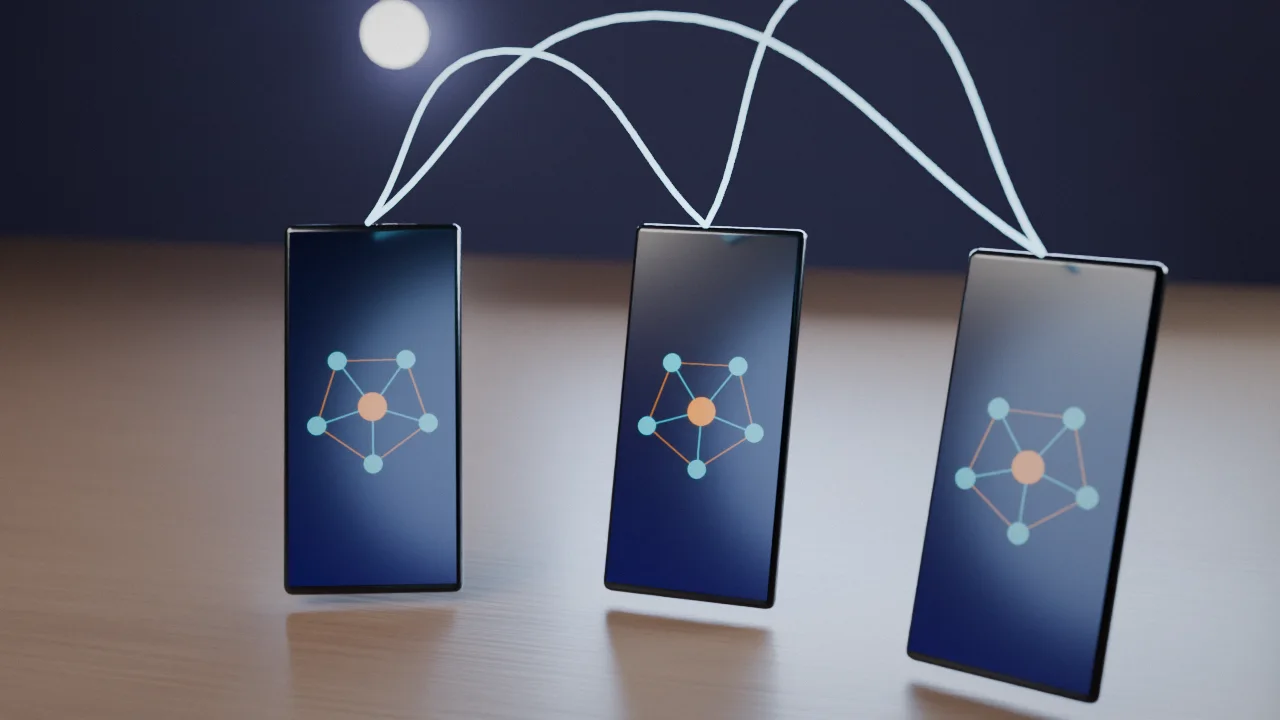
Push-to-talk feels like it should be simple: hold the button, say what you need to say, let go. But where that conversation happens matters just as much as how easy it is to start. An open channel that anyone can join is a very different place than a private room built for your household. If you've never thought about the difference, it's worth five minutes before your family starts relying on it every day.
Two Very Different Kinds of Channel
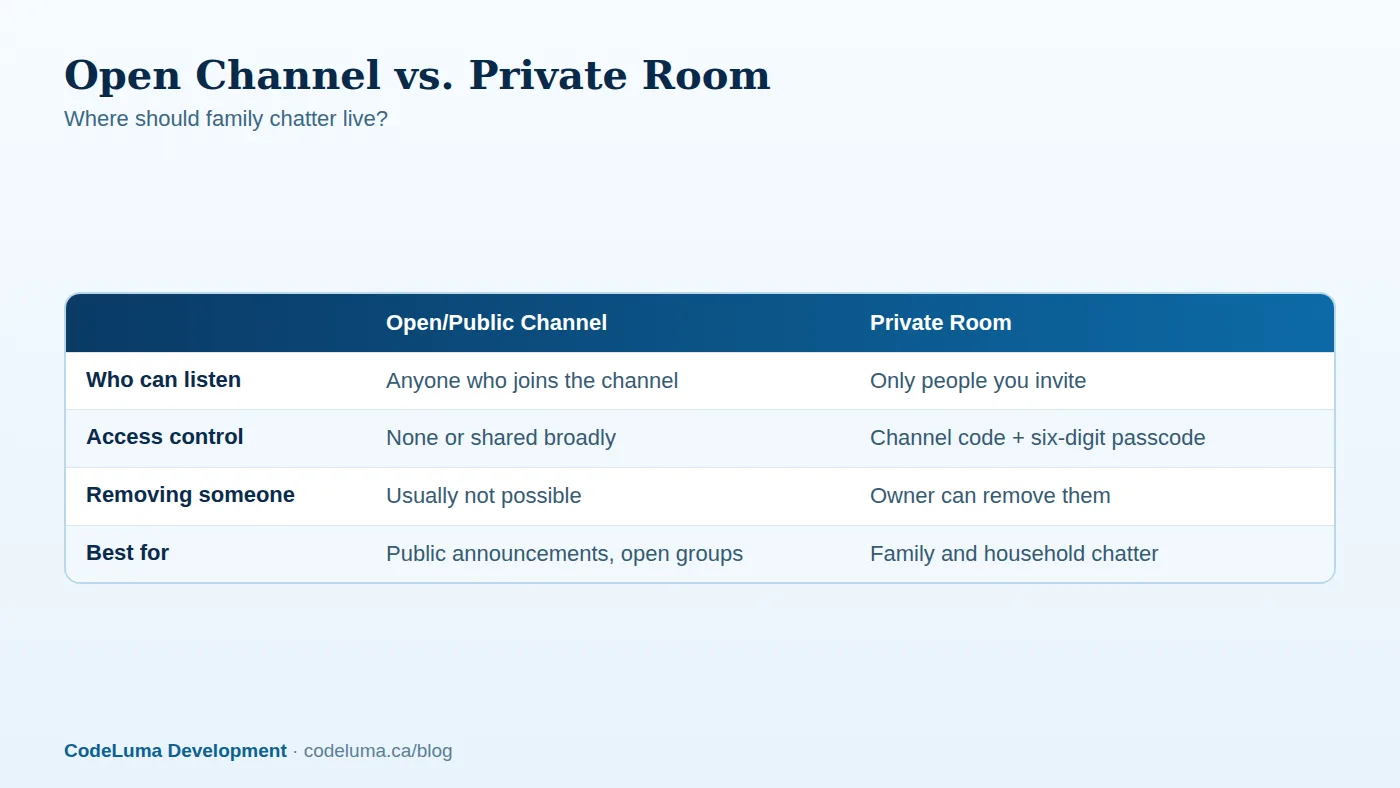
Public or open channels are designed for broad, low-stakes chatter, hobby groups, open community rooms, anyone who happens to tune in. There's no real gate on who joins, and you often can't tell who's listening at any given moment. That's fine for some uses, but it's the wrong home for the kind of thing families actually talk about: pickup times, who's home, where the kids are, what's for dinner, or a quick "call me" while someone is out running errands.
A private room works differently. With private channels, a room is protected by a unique channel code plus a six-digit passcode. Only people who have both can get in, and the person who created the room can remove someone if that ever needs to happen. It's the difference between a whiteboard in a public hallway and a locked family group chat.
Why "Just Use the Open Channel" Feels Fine, Until It Isn't
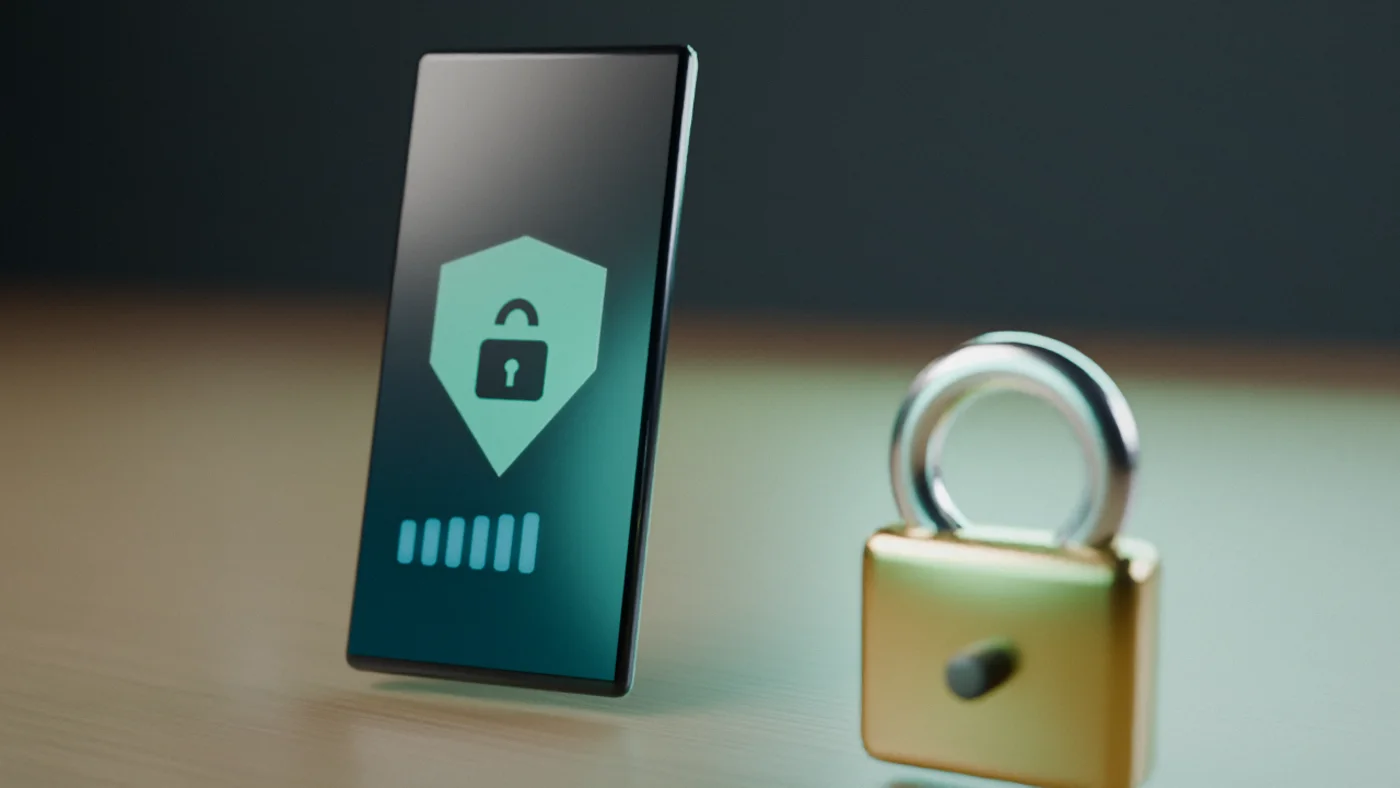
It's tempting to default to whatever's already open, especially if you set up push-to-talk in a hurry. The problem is that convenience today can turn into an unwanted audience tomorrow. Once a channel is public, you have no way to know who's listening in, and no way to remove anyone. For a work crew coordinating a job site, that might be a minor annoyance. For a family sharing routines, locations, and plans, it deserves more care.
This isn't about assuming the worst of every open channel. It's about matching the tool to the conversation. Household logistics, caregiving updates, and check-ins with kids or aging parents are personal by nature, and a private room is simply the more appropriate place for them.
What Encryption in Transit Actually Buys You
Voice on Walkie Talkie HRL is encrypted in transit, meaning your audio is scrambled as it travels across the internet so it isn't sent as plain, readable data along the way. That's a meaningful layer of protection for everyday conversations, and it's worth understanding in plain terms rather than marketing language. It is not the same claim as end-to-end encryption, and no online communication service, this one included, can promise absolute or guaranteed security. Being honest about that distinction is part of using the tool responsibly. If you want the fuller explanation, this breakdown of encryption in transit covers it in more depth.
What a private room adds on top of that encryption is access control, deciding who is even allowed into the conversation in the first place. Encryption protects the conversation in motion; the channel code and passcode decide who gets to be part of it at all.
Setting Up a Family Room the Right Way
Getting a family set up doesn't take long. The general flow, covered in full in how it works, looks like this:
- Install the app: Android phones and tablets use an installable APK, while iPhone users add the web app to their Home Screen.
- Allow microphone and audio permissions so hold-to-talk works properly.
- Create a private family room with its own channel code and six-digit passcode.
- Share the code and passcode directly with the people who should have it, not in a group text that might get forwarded.
- Have everyone join, do a quick test call, and confirm they can hear and be heard.
Good Habits Once the Room Exists
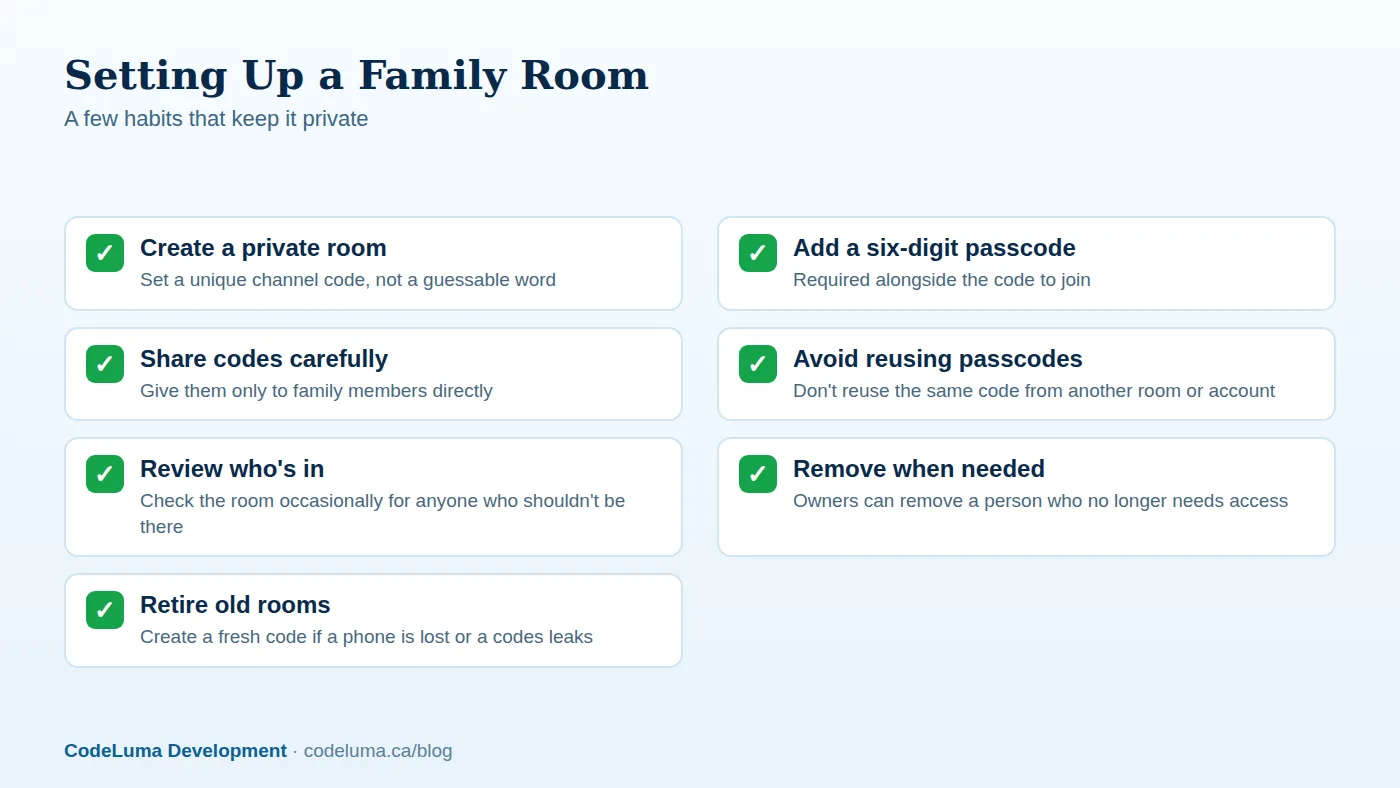
A private room only stays private if you treat it that way. A few habits go a long way:
- Share codes person to person. Give the channel code and passcode directly to family members rather than posting them somewhere they could be screenshotted or forwarded.
- Don't reuse passcodes. Using the same six digits across multiple rooms or accounts means one leak affects more than one group.
- Remove people who no longer need access. If a babysitter's season ends or an ex-roommate moves out, the room owner can remove them.
- Rotate the code if something feels off. If a phone is lost or a code gets shared more widely than intended, creating a fresh room takes only a minute.
Common Mistakes Families Make
Most missteps aren't dramatic, they're just small oversights that add up:
- Sticking with a public or shared channel out of habit instead of setting up a private room.
- Writing the passcode somewhere shared, like a whiteboard photo posted online.
- Never checking who's actually still in the room months later.
- Assuming encryption in transit means no one else could ever access the room, when access really comes down to who has the code and passcode.
- Treating the app as an emergency line. It is not an emergency-calling or life-safety service and doesn't replace 911 or emergency radio systems.
Why "Nothing Extra to Buy" Matters for Families
One of the most practical parts of this whole setup is that it runs on phones your family already owns. There's no separate radio to buy, charge, or keep track of, no extra device for a teenager to lose or a grandparent to forget how to use. As long as there's Wi-Fi or mobile data, the app works over the connection that's already there. That's a big part of why it fits real family life better than dedicated hardware, especially for households juggling school schedules, errands, and caregiving across different locations. For more on that idea, this piece on skipping the extra radios lays out the case in full.

Beyond the Phone: Bigger Rooms and Bigger Screens
Private rooms aren't limited to a handful of people. Some supported private plans allow up to 100 participants, which covers everything from a large extended family to a multi-generational household with cousins, grandparents, and caregivers all in one place. And if your family gathers around a television more than a phone, the Big Screen app brings the same room to Google TV, Android TV, and supported Chromebooks, useful for a kitchen display or a shared family room screen that's always listening for the next call.
When Public Channels Still Make Sense
None of this means open channels are bad, they're just built for a different job. A neighborhood interest group, a hobby community, or a large public event might genuinely benefit from an open, low-barrier channel where anyone can drop in. The point isn't that public channels are wrong, it's that family conversations, the ones involving locations, routines, and personal details, belong somewhere access-controlled instead.
A Quick Gut Check
Before you rely on any channel for regular family use, ask a simple question: if a stranger could join this room right now, would that be fine, or would it be a problem? If it's the former, an open channel might be perfectly reasonable. If it's the latter, that's your answer, it's time for a private room with its own code and passcode. Most family chatter falls firmly into the second category.
Wrap-Up
Push-to-talk is genuinely useful for families precisely because it's fast and low-friction, hold the button, talk, done. But that same ease is a reason to be deliberate about where the conversation lives. A private room with a channel code and six-digit passcode gives your household a space that's built for it, backed by encryption in transit and real access control, without needing anyone to buy or carry a single extra device. Check the FAQ if you have questions about accounts or room limits, then set up your family's room today.
Try Walkie Talkie HRL
Set up a family room in a few minutes on the phone already in your pocket. Add {{svc:family|a private family channel}}, share the code with the people you trust, and everyone's a hold-to-talk button away.
- Private channels - access-controlled rooms with a channel code and six-digit passcode.
- Families - trusted rooms for family and caregivers.
- How it works - install, allow audio, join a channel and hold to talk.
- Questions and answers - compatibility, accounts, rooms and audio.
Private, instant and already in your pocket. Walkie Talkie HRL turns the phone you already own into a push-to-talk walkie-talkie. Voice is encrypted in transit; no online service can promise absolute security. It is not an emergency-calling service.