Android phones and tablets
Current version: 1.3.58. Download the signed Android APK directly to a compatible phone or tablet.
Turn an iPhone, Android phone or tablet into a direct push-to-talk voice network for construction crews, security teams, logistics operations, events and trusted families. Talk across a property or across the world whenever both devices have usable internet.
The app, accounts, payments and live communication service run on the dedicated Walkie Talkie HRL VPS. HamRadioList remains on its separate service.

Official current releases
These links always open the current Walkie Talkie HRL release from the dedicated Walkie Talkie HRL service.
Current version: 1.3.58. Download the signed Android APK directly to a compatible phone or tablet.
Current iPhone web app. Open it in Safari, then use Share and Add to Home Screen. Updates arrive through the web app automatically.
Current version: 1.0.8. Use the separate Big Screen APK on compatible devices with a microphone and speaker.
Existing Android installations may offer version 1.3.58 as an optional update. The forced-update gate remains disabled to prevent repeated download loops.
No App Store required
Open the live radio in Safari, tap Share, choose Add to Home Screen, turn on Open as Web App, and tap Add. The installed icon opens the current full-screen app from the dedicated Walkie Talkie HRL service.
For dependable iPhone microphone and live receive audio, keep the installed web app visible and the phone unlocked. iOS may suspend a website's microphone and network connection after it is minimized or the screen locks.
Built for the real world
Use the Android devices your people already carry. Replace repeated calls and scattered messages with the speed and simplicity of push-to-talk.

Coordinate work zones, equipment, deliveries and remote supervisors.
Explore construction use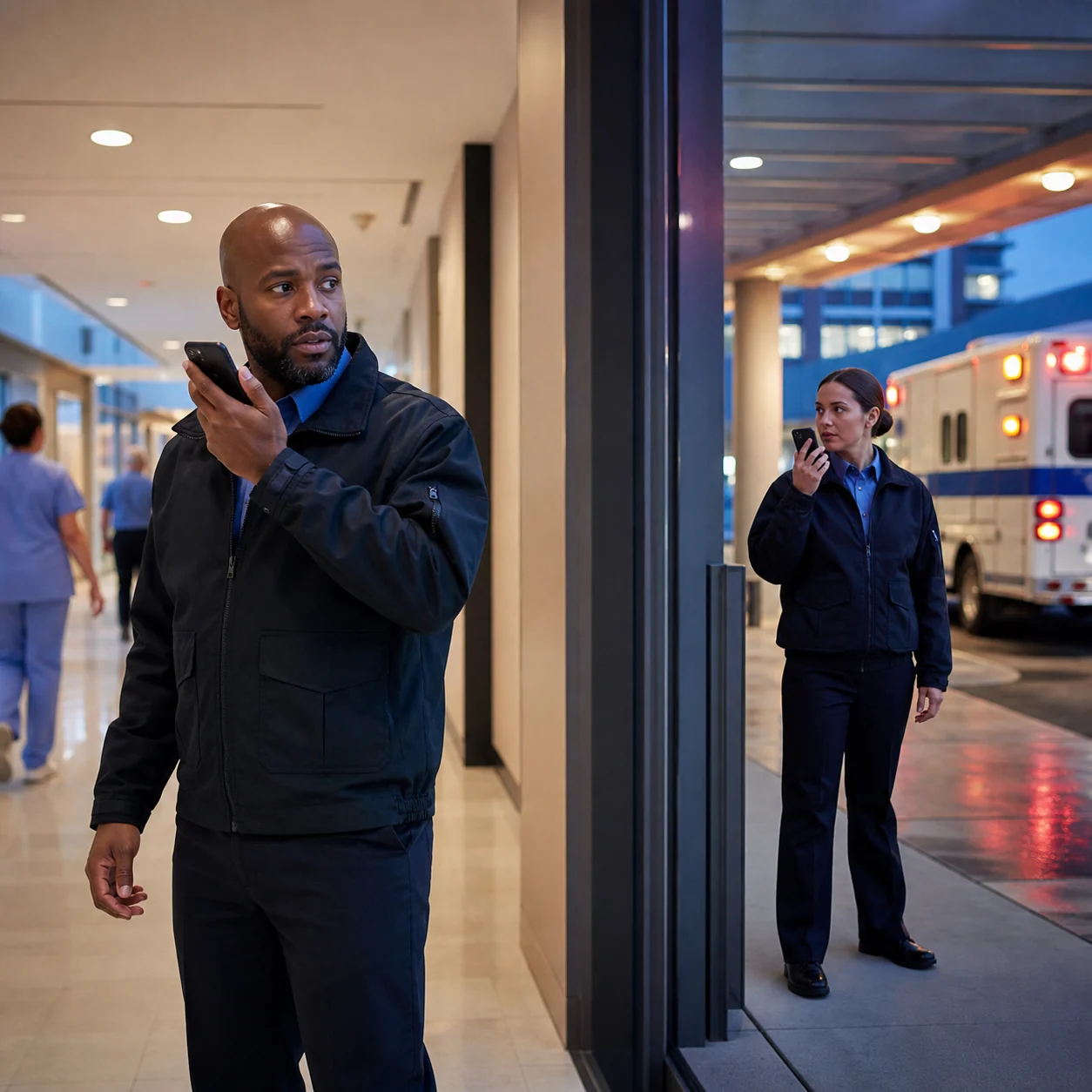
Connect indoor posts, exterior patrols, entrances and dispatch.
Explore security use
Keep dock teams, drivers, forklift operators and managers aligned.
Explore logistics use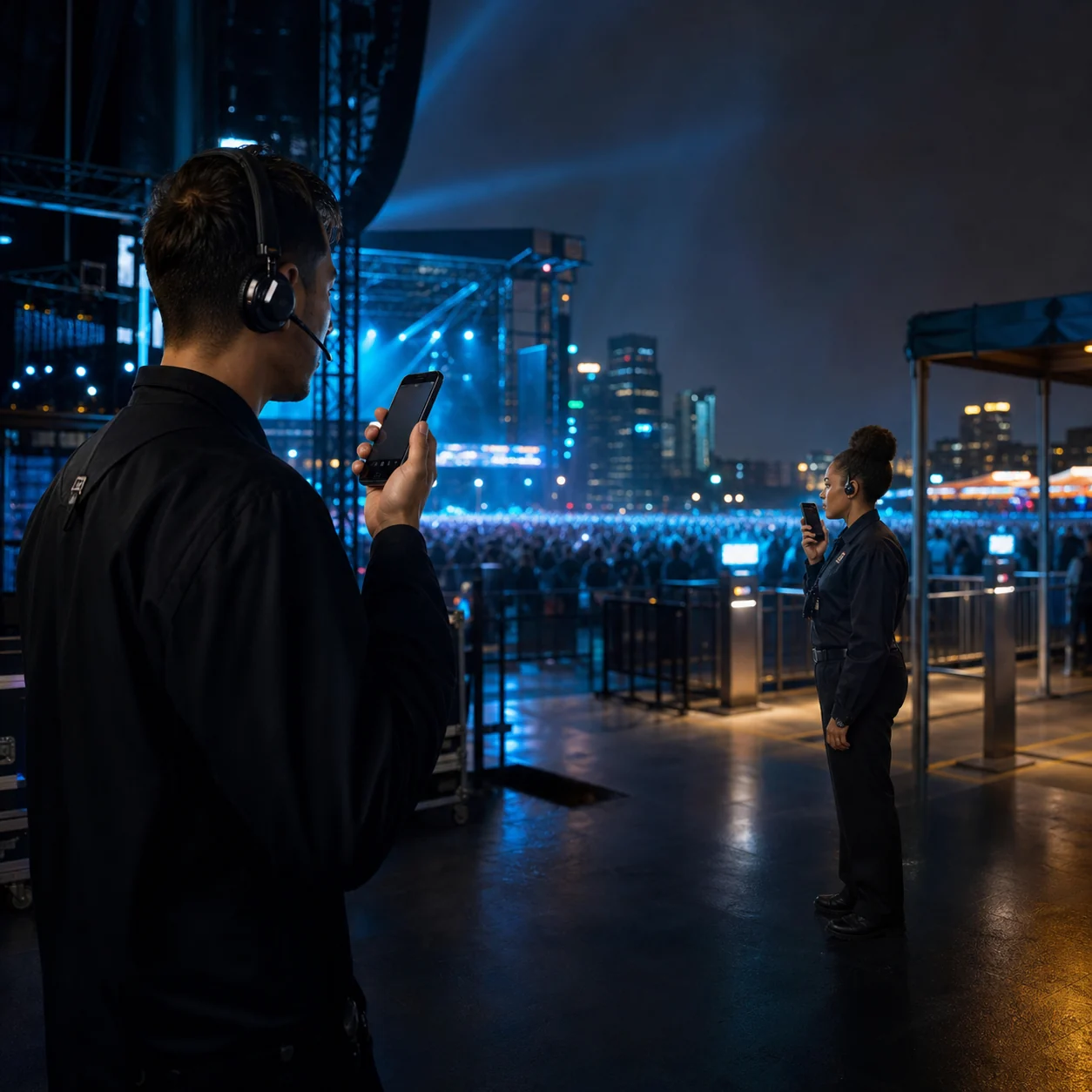
Bring production, parking, guest services and security together.
Explore event use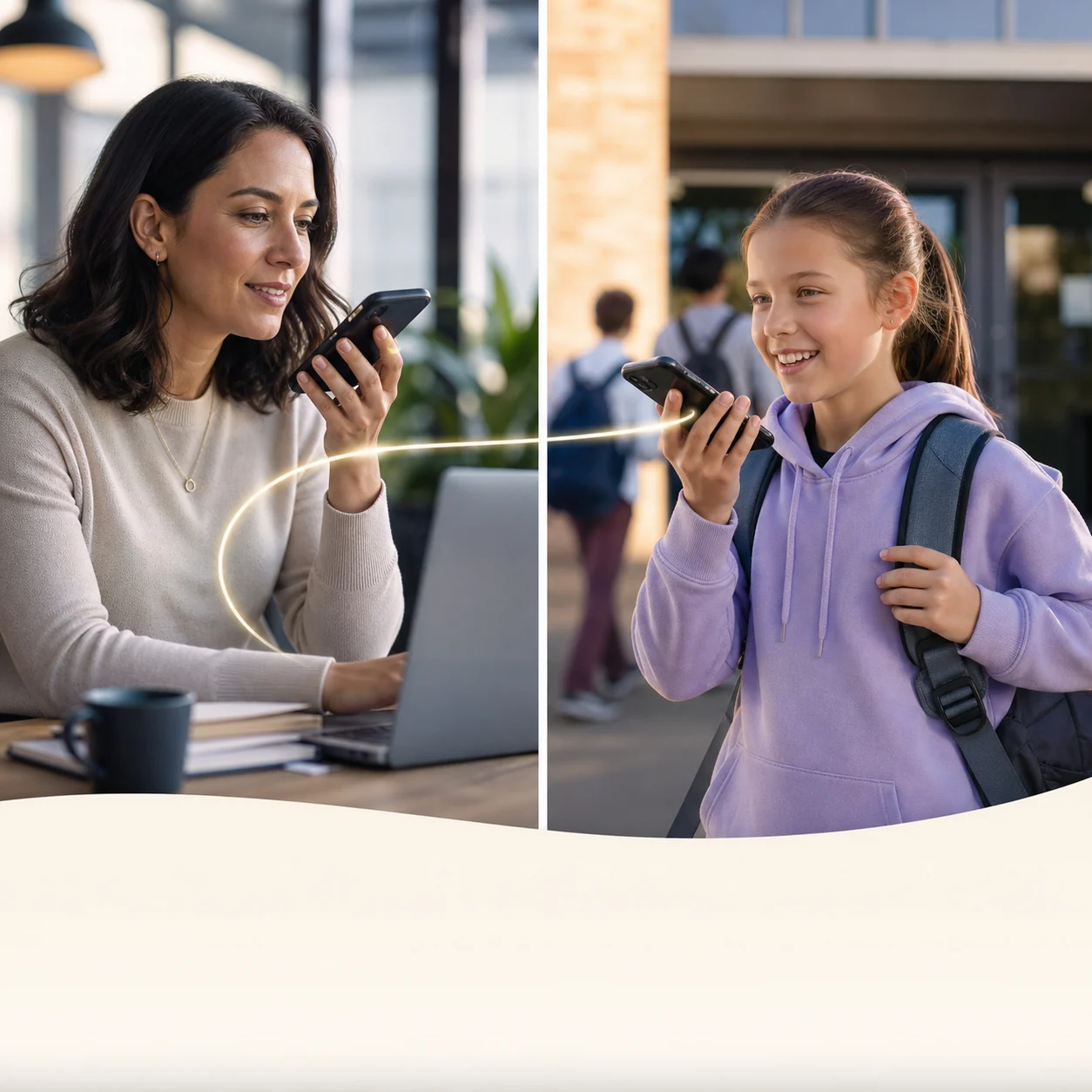
Create a private room for approved family members and caregivers.
Explore family use
Keep authorized night, inspection and remote crews connected.
Explore private channelsAdvanced push-to-talk technology
Walkie Talkie HRL keeps the familiar hold-to-talk workflow while adding private rooms, identifiable participants and worldwide reach to Android devices.
Hold the large PTT button to speak and release it to return immediately to listening.
Use a working internet path supplied by Wi-Fi, cellular data or satellite-backed Wi-Fi.
Share a unique channel code and six-digit passcode only with authorized people.
When Android permissions and power settings allow it, remain ready while using another app.
Use the Android speaker by default or select a supported Bluetooth audio device.
Use a registered nickname, a real first name or an operational label where supported.
Contact without borders
Traditional handheld radios are limited by terrain, power and local coverage. Walkie Talkie HRL uses the internet, so the same private room can connect people in separate buildings, cities or countries.
Simple by design
No specialist radio knowledge is required. The app, accounts and communication service run on the dedicated Walkie Talkie HRL system.
Download the current Android APK here, or open the iPhone web app in Safari and add it to the Home Screen.
Grant the microphone and audio permissions requested by your Android device or iPhone web app.
Enter a public room or use the unique code and six-digit passcode supplied by a private-room owner.
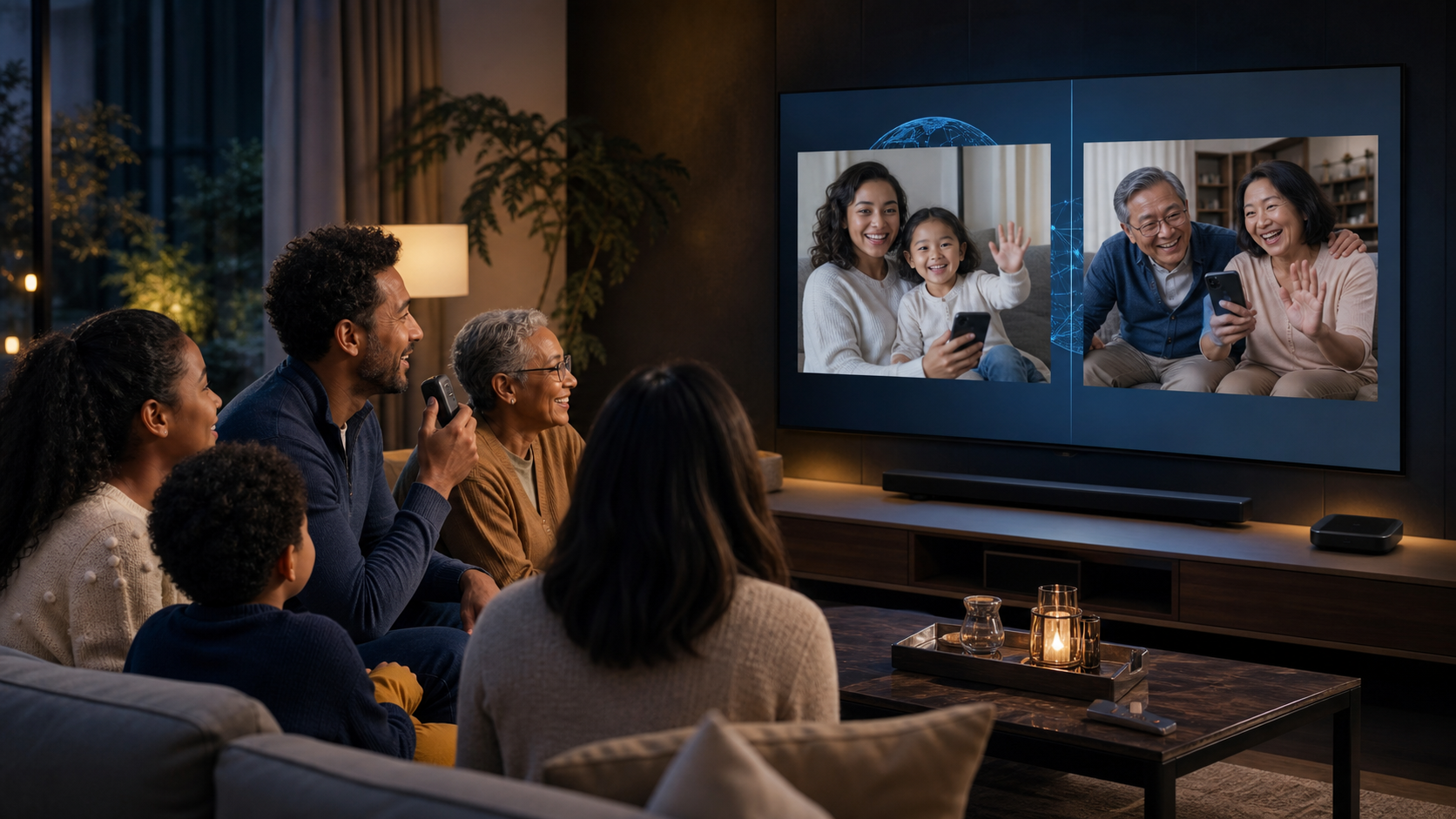
Walkie Talkie HRL Big Screen
Gather around the television and use a mouse, keyboard or compatible TV remote as the push-to-talk control. The separate Big Screen edition brings the familiar Walkie Talkie HRL experience to supported living-room and Chromebook devices without replacing the phone and tablet app.
Standard cast-only Chromecast devices cannot install Android apps. A compatible Google TV, Android TV or Chromebook device and an available microphone are required.
Restricted-access humanitarian rooms
Walkie Talkie HRL can offer a protected humanitarian room to eligible people in Palestine and the Gaza Strip when a coarse server-side regional check indicates that the device is in the service area. The person confirms once, receives a room-scoped access token and can return without publishing their exact location to other participants.
IP location can be imprecise and is not proof of identity. Eligible-room access is therefore restricted by a short-lived room token and can be reviewed or revoked by administrators.
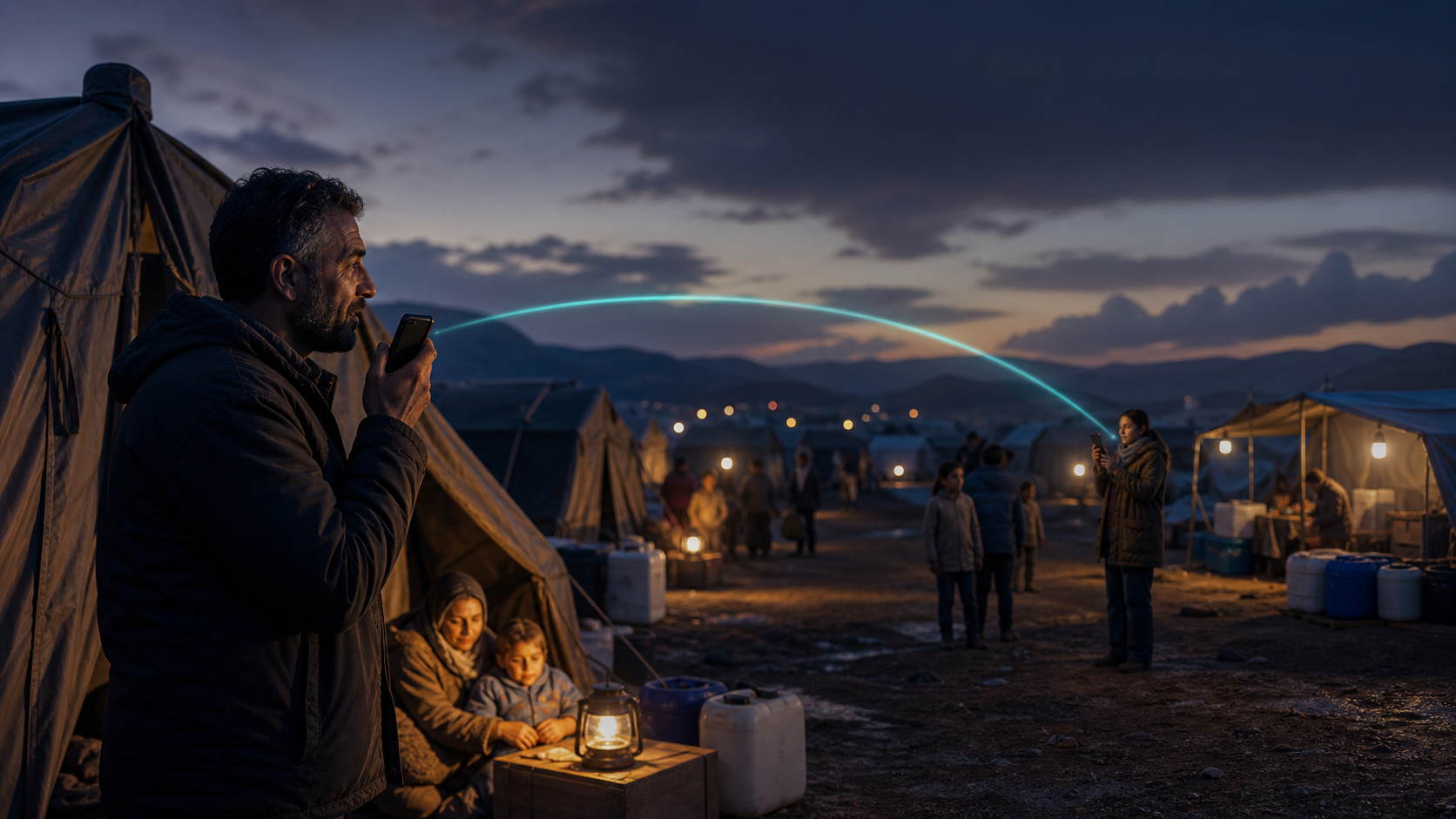
Worldwide reach
A connection cannot be created where no internet path exists, but a usable Wi-Fi or mobile-data link can extend your voice channel far beyond normal handheld-radio range.
Connect gates, floors, vehicles, equipment and site offices.
Keep roaming teams, drivers and dispatch on one operational line.
Talk to trusted participants in different cities and time zones.
Use Wi-Fi, mobile data or satellite-backed Wi-Fi when available.
Frequently asked questions
Yes. A working Wi-Fi internet connection can carry PTT audio. Mobile data can also be used when available.
Yes. Compatible Android phones and tablets can use the app when they have a microphone, speaker and internet access.
Use the separate Big Screen edition on Chromecast with Google TV, Google TV Streamer or a compatible Android TV or Google TV box. The device needs an available microphone and speaker. Standard cast-only Chromecast devices cannot install Android apps.
Yes, on Chromebooks that support Android apps and have a working microphone, speaker and internet connection. Mouse, keyboard and touch controls remain available where the device supports them.
A coarse server-side regional check can offer a restricted humanitarian room to eligible users in Palestine and the Gaza Strip. The user confirms before joining and receives a room-scoped token. Exact IP addresses are not shown in the app, and internet access is still required.
No. The app uses internet voice communication rather than amateur-radio frequencies. Licensed operators are also welcome.
Yes. A private-channel owner can share a unique channel code and six-digit passcode with the intended group.
Yes. Open the current iPhone and iPad web app in Safari, tap Share, and choose Add to Home Screen. It runs full screen and receives web app updates automatically.
The APK files, iPhone web app, accounts, payments and live communication service are hosted by the dedicated Walkie Talkie HRL system.
Ready to talk?
Install the iPhone web app or download the official Android app, choose a public channel or create an access-controlled private room, then carry the conversation wherever your devices have usable internet.
Choose your Facebook preview
Each button opens Facebook with a dedicated link and matching preview image. Choose construction, humanitarian, family, friends, security, logistics, private rooms or Big Screen before posting.
Share the construction-team preview.
Share construction previewShare the humanitarian-room preview.
Share humanitarian previewShare the friends-and-groups preview.
Share friends previewShare the logistics-team preview.
Share logistics previewShare the private-room preview.
Share private-room previewShare the television and Chromebook preview.
Share Big Screen preview